






Now available on mobile

One place for classes and deadlines

Your own student account

Sign in with your credentials, keep your profile and preferences in one place, and know who can see what.

Help when you’re stuck

School staff you trust can assist with your workspace using secure access—without sharing passwords in chat or email.

Built for school life

Layouts and flows aimed at how students actually study: focus, routine, and less clutter between you and your work.

How it works

From first login to a calmer week

Step 1

Join your space

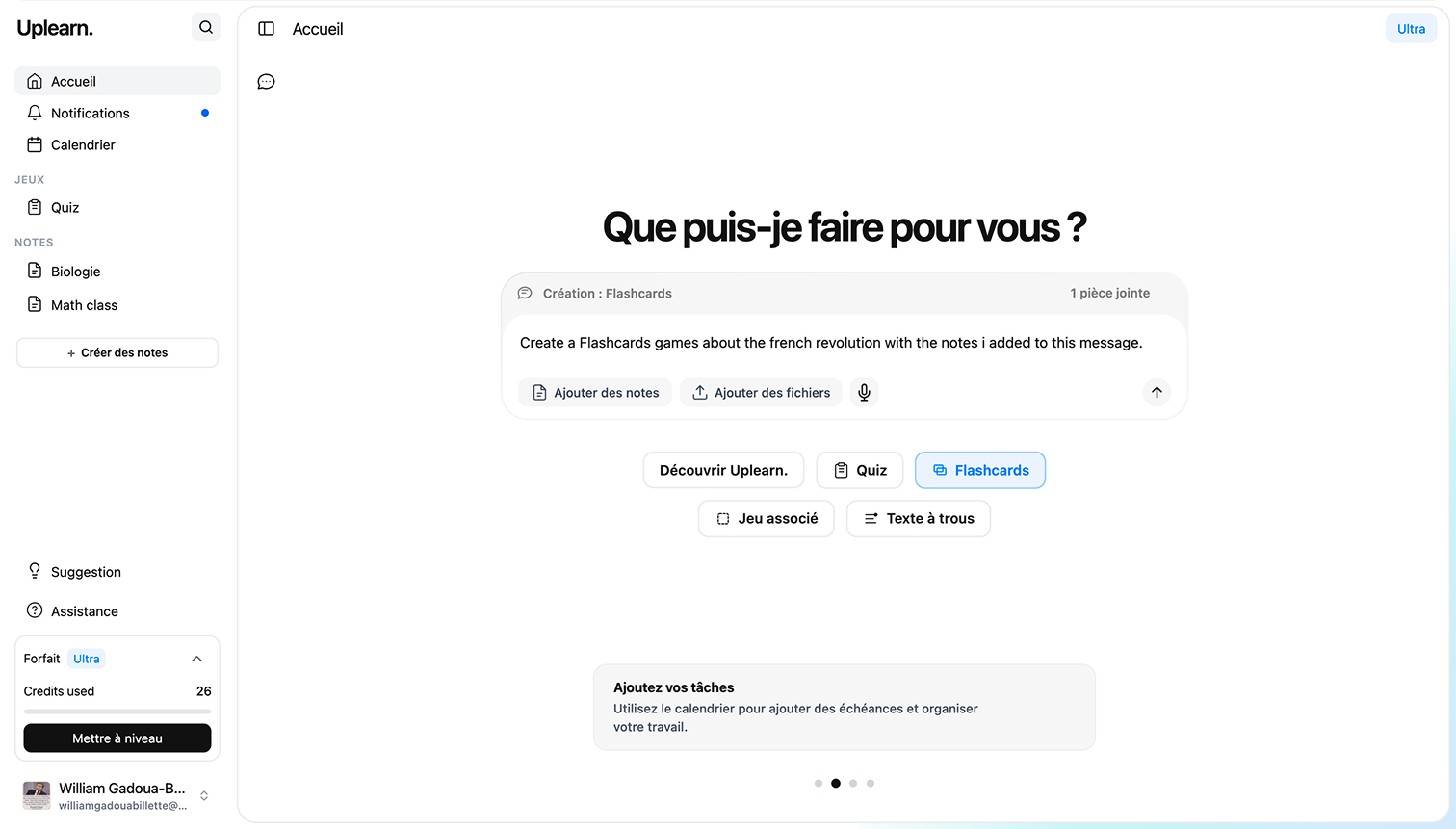
Create your student account or accept your school’s invite and pick up where your class left off.

Step 2

Sign in as you

Use your own ID and password every time. Your work and notifications stay tied to your account.

Step 3

Use your dashboard daily

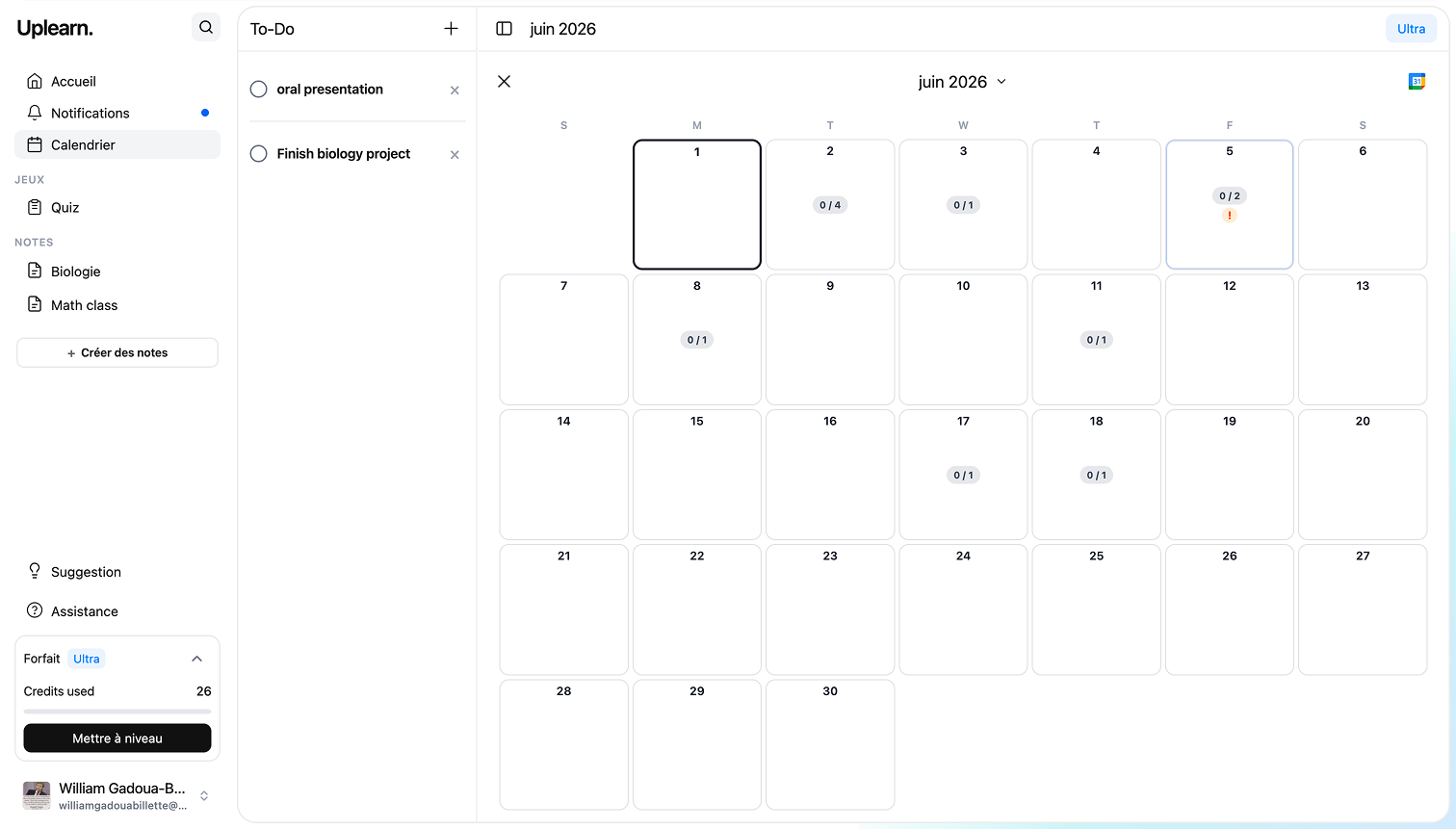
See what’s due next, jump to Moodle or other tools you use, and keep support inside the same secure workspace.

Ready to try Uplearn AI for your studies?

Check pricing if your school uses a paid plan, then sign in with the account you were given—or create one when enrollment opens.

Trusted by millions

Files Generated

18.2M+

Hours Saved

2.4M+

Explanations Given

94M+

Study Sessions

480K+

What people are saying

Jordan K. Sophomore · 2025

One place for Moodle, email, and my calendar—deadlines stopped slipping past me.

Samira L. Undergraduate · 2024

Clean layout and sign-in; my prof could help without me DMing passwords.

Ethan P. Junior · 2026

Feels built for how we study, not another stiff portal.

Priya N. M.A. year one · 2025

Announcements and due dates in one feed—way less anxiety.

Marcus T. Year 3 · 2024

Same solid experience on my phone as on my laptop.

Chloe R. B.Ed. · 2025

Support stayed inside Uplearn AI—no more random screenshot chains.

Alex W. Senior · 2025

Office hours links next to assignments actually got me to show up.

Taylor M. Sophomore · 2024

Search across courses is fast; I find PDFs in seconds now.

Riley S. First year · 2026

Onboarding was short—was productive by week two.

Casey D. Pre-med · 2025

Lab schedules and lecture notes finally live in one timeline.

Jamie H. Transfer · 2024

Switching schools mid-year; Uplearn AI made catching up less chaotic.

Morgan F. Junior · 2025

Group project threads don’t get lost in ten different apps anymore.

Avery B. Grad student · 2024

Citation reminders before draft deadlines saved my thesis twice.

Quinn V. Year 2 · 2025

Dark mode at night is easy on the eyes during cram sessions.

Reese C. Undergraduate · 2026

Notifications are useful, not spammy—huge improvement.

Skyler J. Honors · 2025

I can see what’s graded vs pending without digging in Moodle.

Drew L. Senior · 2024

Parents evening prep: all grades in one export-friendly view.

Cameron G. M.Sc. · 2025

TA office queue integrated with course chat—less confusion.

Parker N. Year 1 · 2026

Campus Wi‑Fi drops less often when half the UI is already cached.

Logan A. Post-bac · 2024

Accessibility options are clear; screen reader labels feel thoughtful.

River O. Junior · 2025

International time zones on invites finally make sense for group calls.